

The library
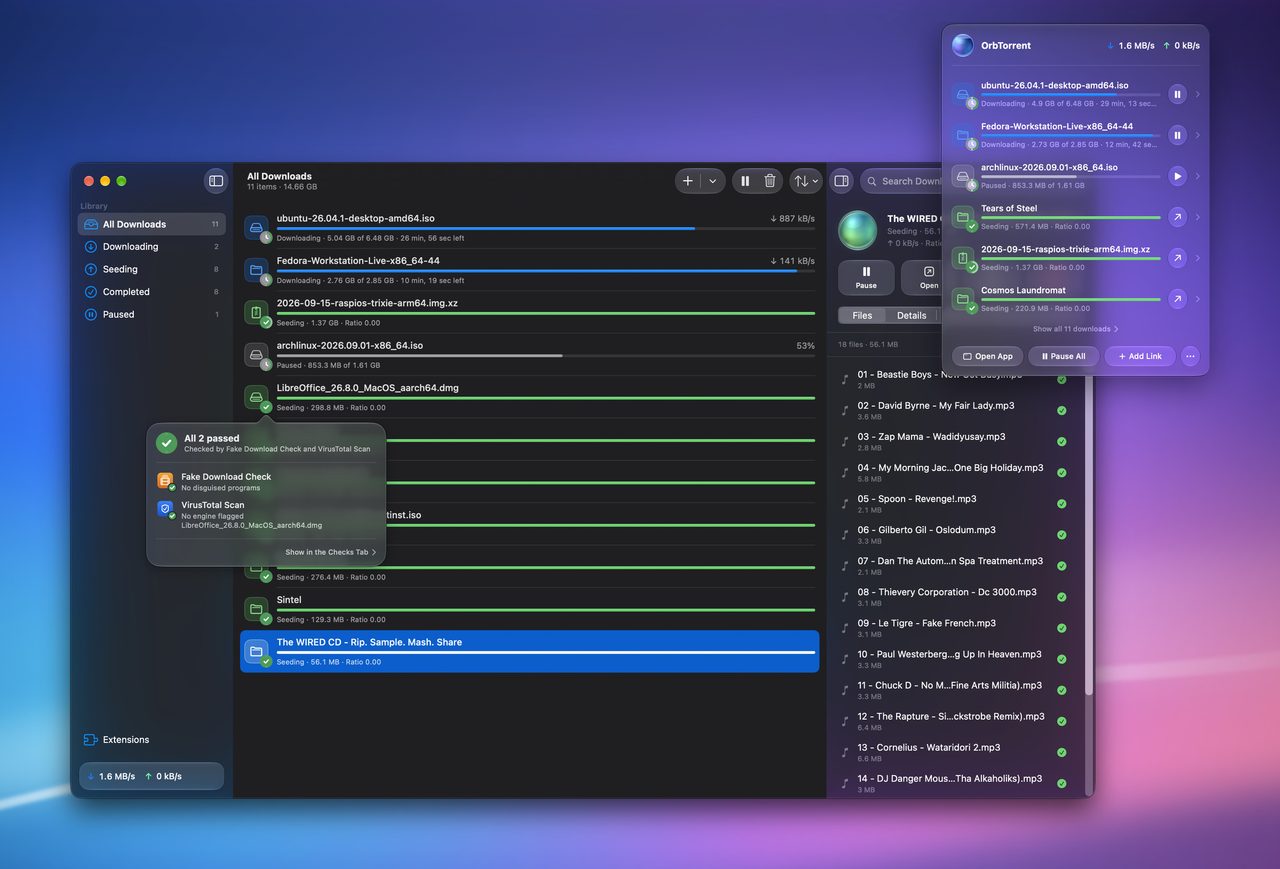
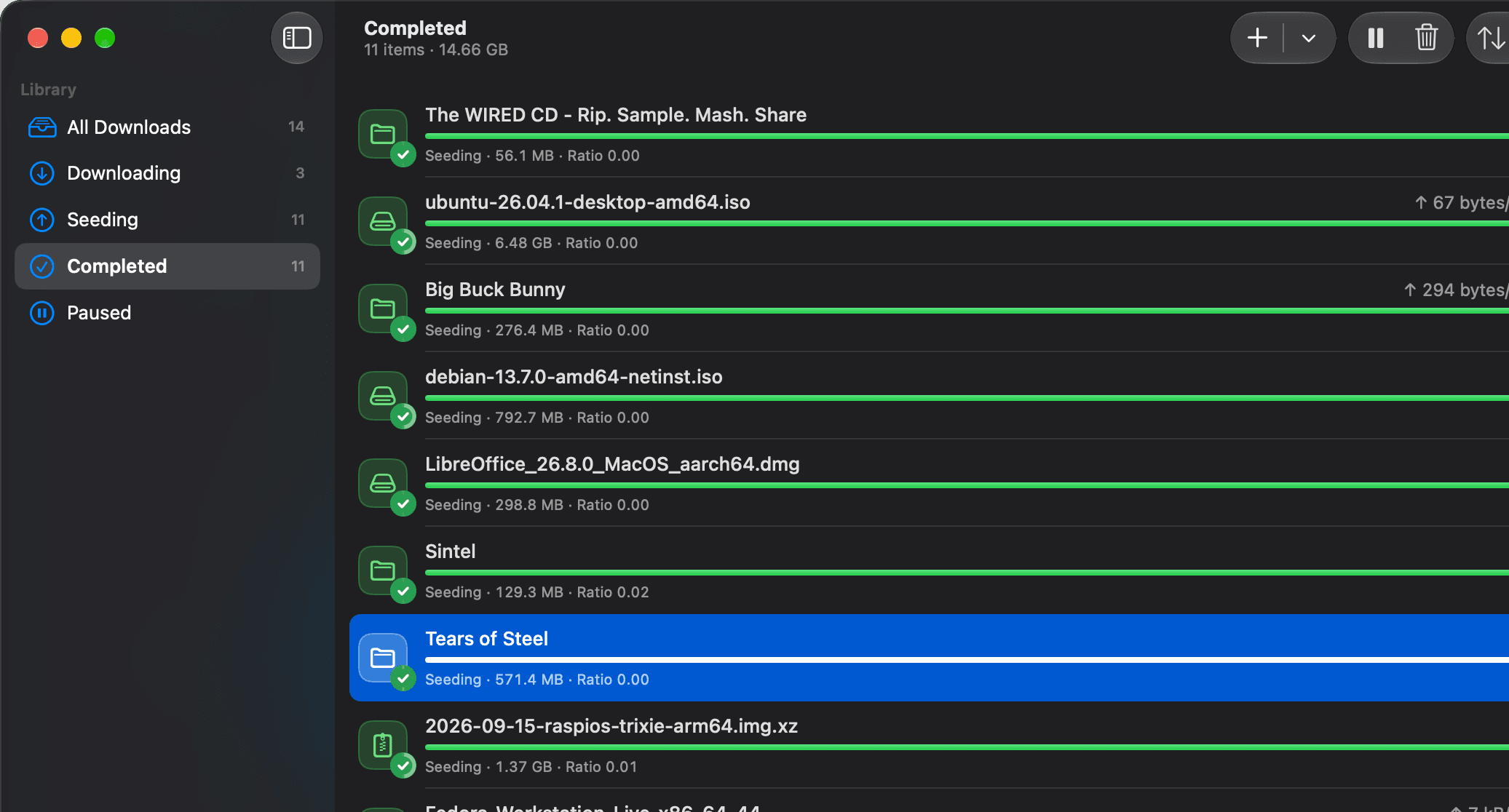
A full Mac window, when you want one. Search, sort and group every download, select several at once, and look inside any of them.
Everything it does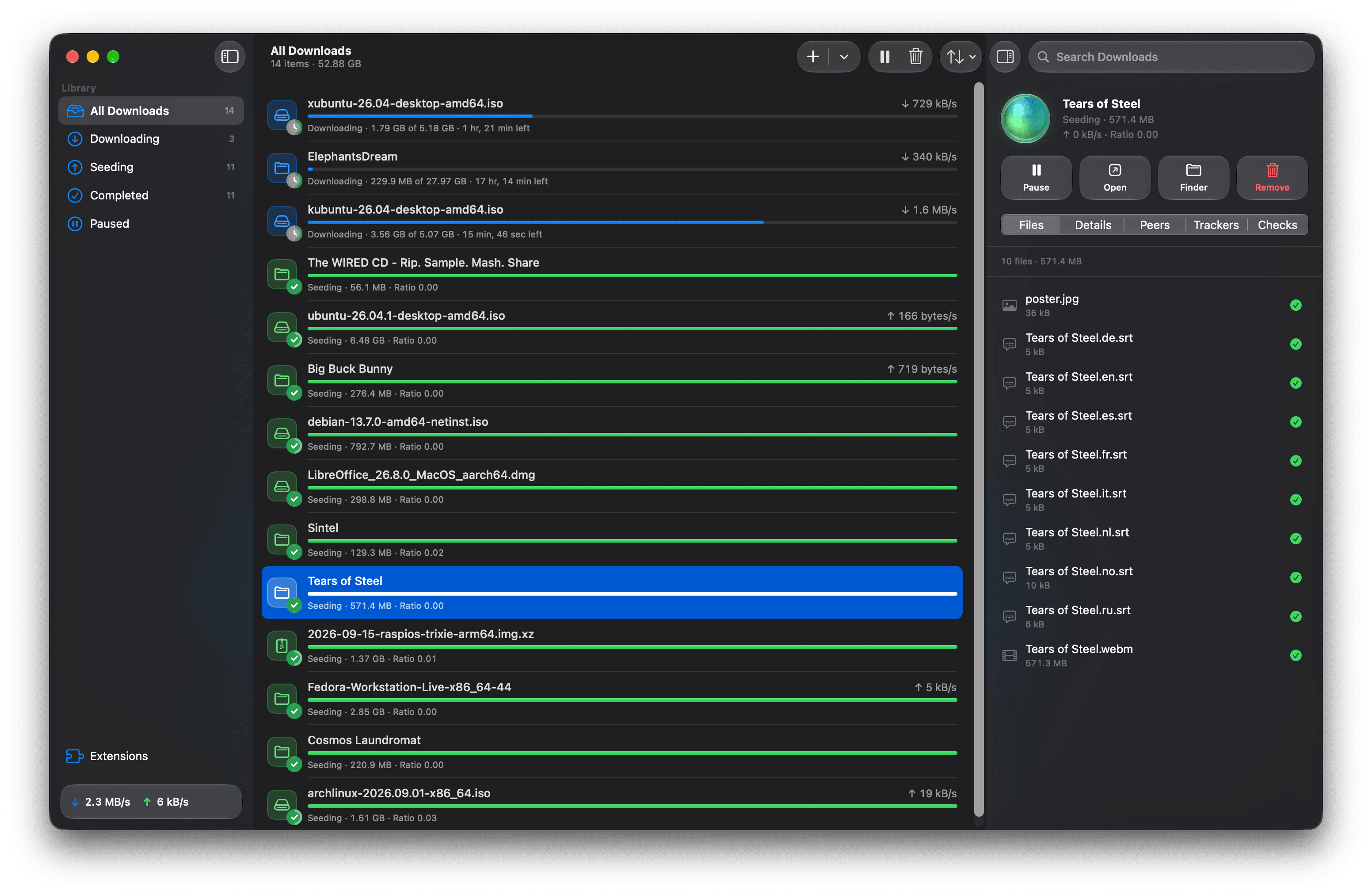
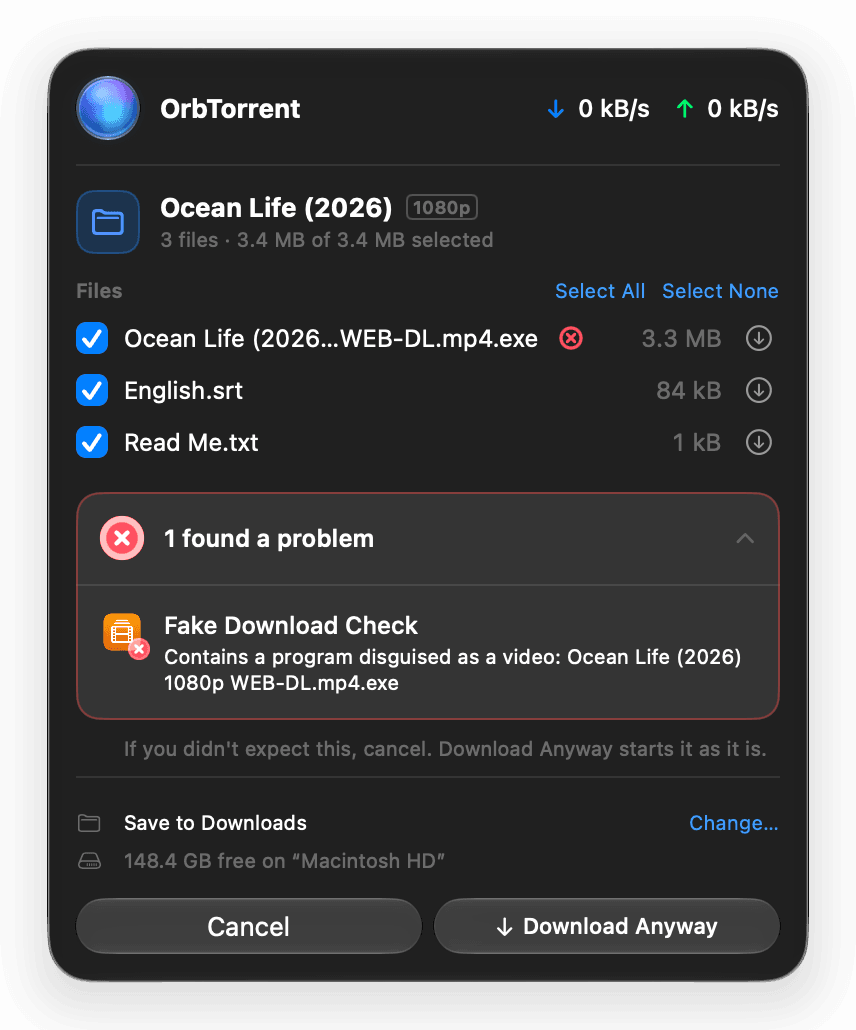
OrbTorrent lives in your menu bar, keeps your downloads on your VPN, and stops fake downloads before they arrive. Underneath, qBittorrent's engine does the downloading.
macOS 26 or later · Apple silicon and Intel
Works with what you already use
The orb
Downloading
ubuntu-26.04.1-desktop-amd64.iso
1.30 GB of 6.48 GB · ↓ 2.3 MB/s
Normal connection · never used
Downloading through the VPNVPN dropped · downloading stopped
The library
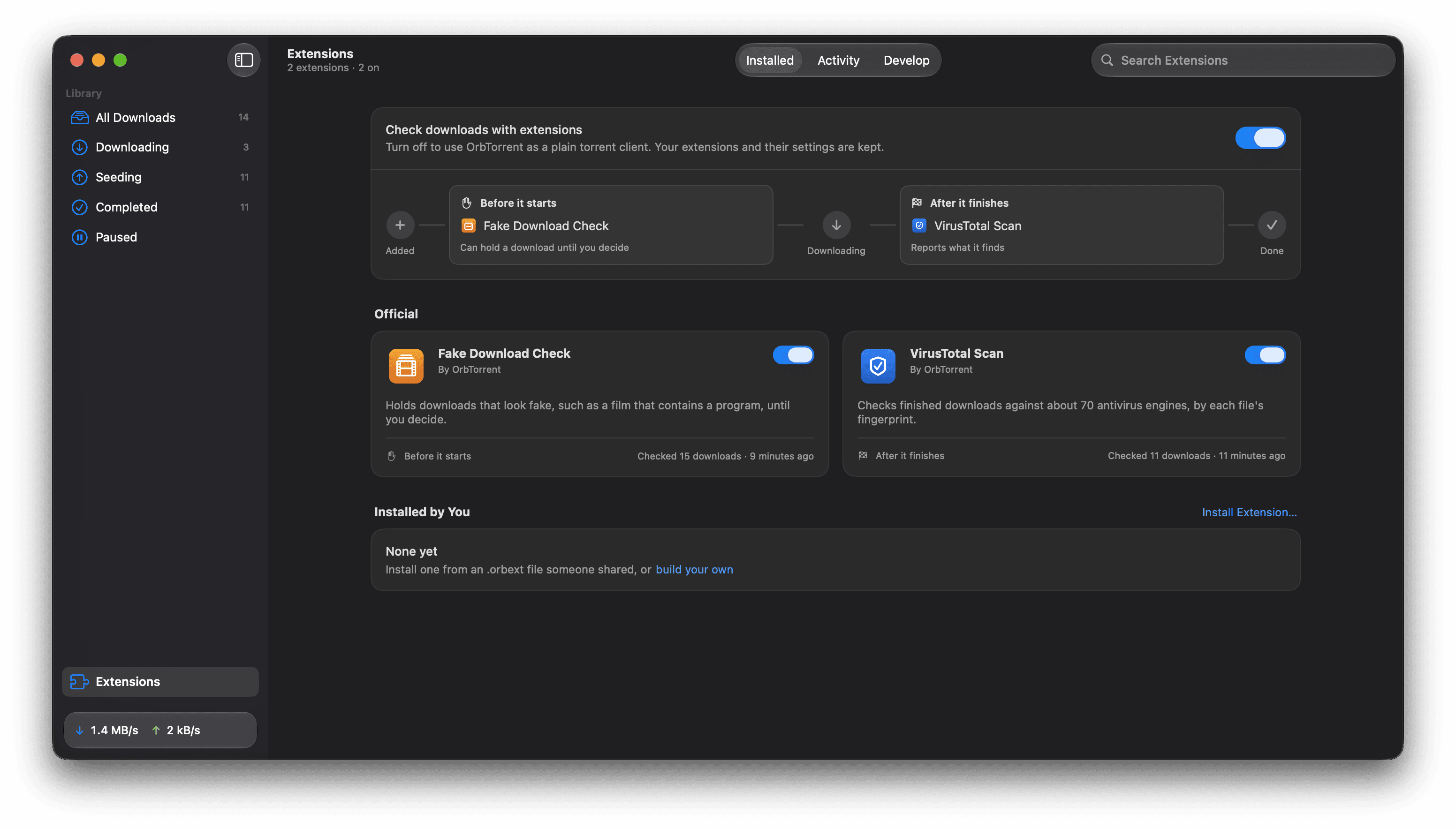
Extensions
Switching
 OrbTorrent
Features
You're warned when a download won't fit. Downloads pause before your disk fills up, and carry on once there's room.
Drag files into the order you want. The next one gets top priority, so you can start watching sooner.
Trackers from a public list, tested every day, help slow downloads find people. Private trackers are never touched.
A deleted download's files go to the Trash, so you can put them back.
When a download finishes, open it or show it in Finder from the notification.
Keeps your Mac from sleeping while it's downloading, if you like.
Cap downloading and sharing, and stop sharing at a ratio, so everything else stays quick.
Signed updates install themselves while you're not using it, and What's New shows what changed.
Make it your Mac's app for magnet links and .torrent files, and open it at login.
Under the hood
How it's built
Build your own
$ npm create @orbtorrent/extension@latest size-guard
$ npm test
$ npm run dev
Or describe what you want, and a coding agent such as Claude Code, Codex or Cursor writes it, tests it and tries it on your downloads. Nothing runs until you allow it.
import { Download, Result, getPreferenceValues } from "@orbtorrent/api";

const gigabyte = 1_000_000_000;

/** Runs when a download's files are known, before any of it downloads. */
export default async function check(download: Download): Promise<Result> {
  const { limit } = getPreferenceValues();
  const size = (download.size / gigabyte).toFixed(1);
  if (download.size > Number(limit) * gigabyte) {
    // "failed" holds the download until you start it.
    return { status: "failed", summary: `It's ${size} GB, over your limit` };
  }
  return { status: "passed", summary: `${size} GB, within your limit` };
}
Privacy
Your library, settings and passwords stay on your Mac. It connects only to the peers and trackers of what you download and a few addresses it tells you about, and counts Macs without an ID.
Open source
OrbTorrent is free software. Read every line, build it yourself, or help make it better. There's nothing to buy, and no account to make.
Questions
More in the full FAQ, or write to help@orbtorrent.com.
Yes. OrbTorrent is free and open source, under the GNU General Public License. There are no ads, no account and nothing to buy.
Using BitTorrent is legal. It's how Linux, open films and large public datasets are shared. What you download is up to you: download and share only what you have the right to.
OrbTorrent bundles qBittorrent's engine, built from its released source, and runs it in the background. It talks to the engine through qBittorrent's Web API, which only accepts connections from your Mac. OrbTorrent isn't affiliated with or endorsed by the qBittorrent project.
Any Mac with macOS 26 (Tahoe) or later, with Apple silicon or Intel. It's one universal app.
Yes. Turn on Only download through a VPN, and OrbTorrent uses only the VPN's connection, stopping if the VPN drops. It finds VPN apps and tunnels such as Tunnelblick and WireGuard, picks up forwarded ports from VPNs that use NAT-PMP and from Private Internet Access, and uses a reserved port, as AirVPN and Windscribe give you, once you enter it.
Only anonymous counts, never an ID. Its daily check for updates says which version it is, your version of macOS, the kind of Mac, the week it was installed and how often it quit unexpectedly, so we know how many Macs use it and whether a version has a problem. Nothing about how you use it is sent. There's no account and no crash reporting, Settings shows exactly what's sent and turns it off, and the privacy page lists everything.
Free for macOS 26 or later, on Apple silicon and Intel.

Downloading OrbTorrent
When it's done, open the disk image and drag OrbTorrent into Applications.